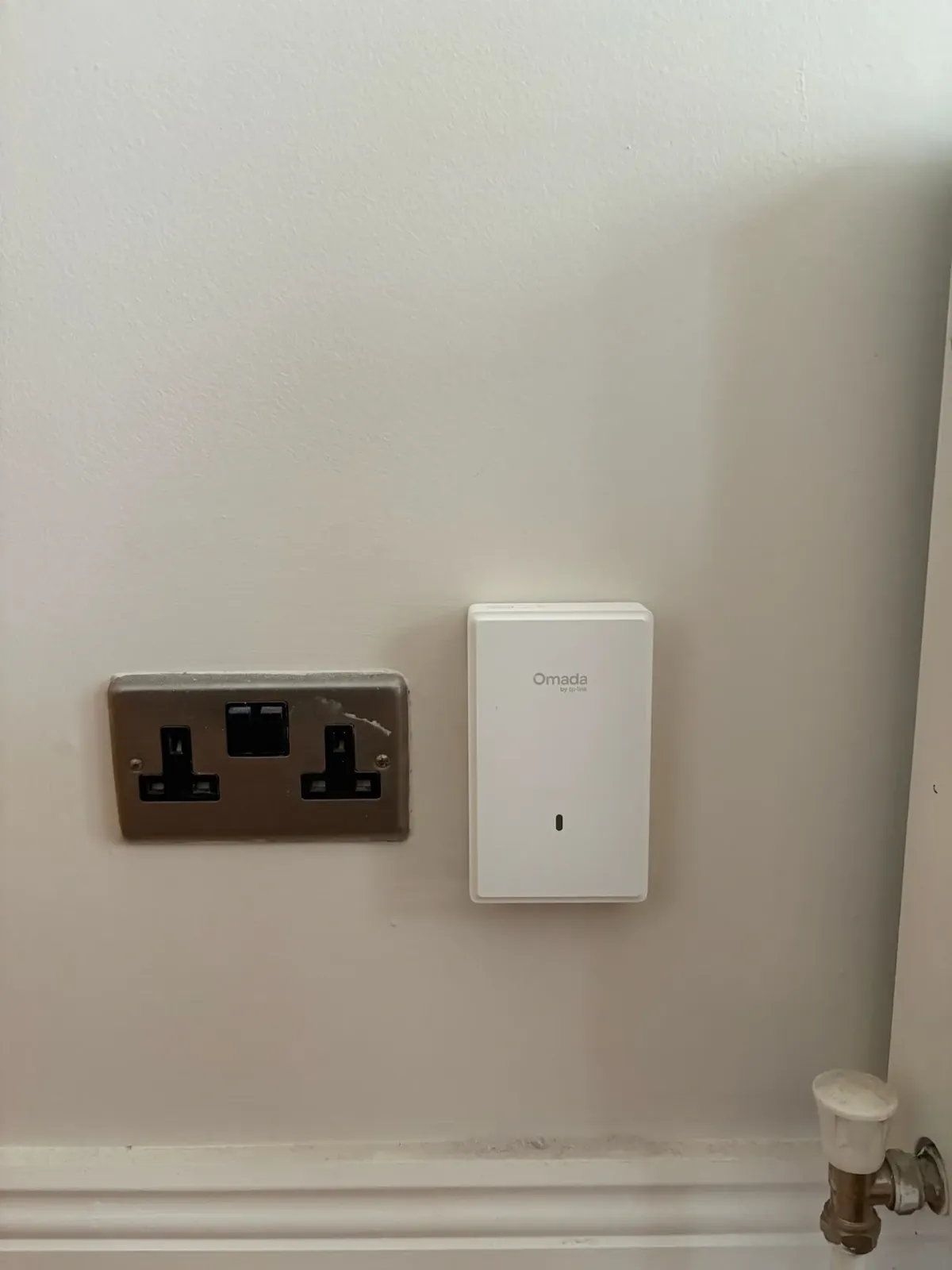
This large home already had a 2 Gbps broadband package, but the Wi-Fi experience on the first and second floors was disappointing. Speeds dropped farther from the router, leaving the upstairs rooms unable to make good use of the connection.
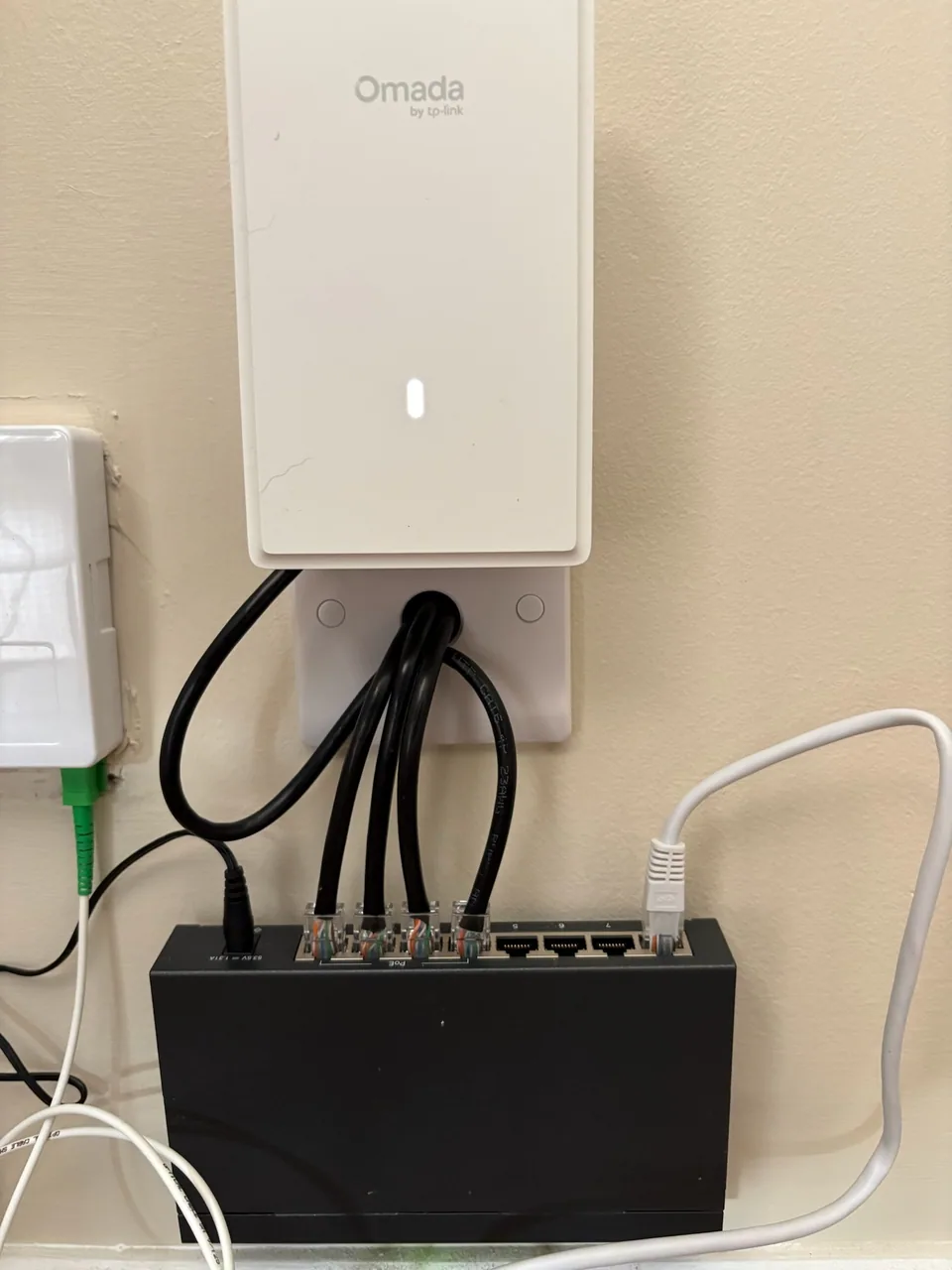
Our home Wi-Fi installation focused on bringing coverage to each floor. We fitted a PoE switch beside the router and three wired Wi-Fi 7 in-wall access points, with Ethernet connections available at each unit.
An access point on every floor
The installation placed one access point beside the router on the ground floor, one on the first floor and one on the second floor. This gave each level its own source of Wi-Fi coverage.
Each access point connects back to the network switch by cable. The switch supplies power and data over that connection, so the upstairs access points have a wired link to the network.
The three Ethernet ports on each access point also give the homeowner the option to plug compatible equipment directly into the network. Wi-Fi and wired connections are available together, without needing to run a device cable all the way downstairs to the router.
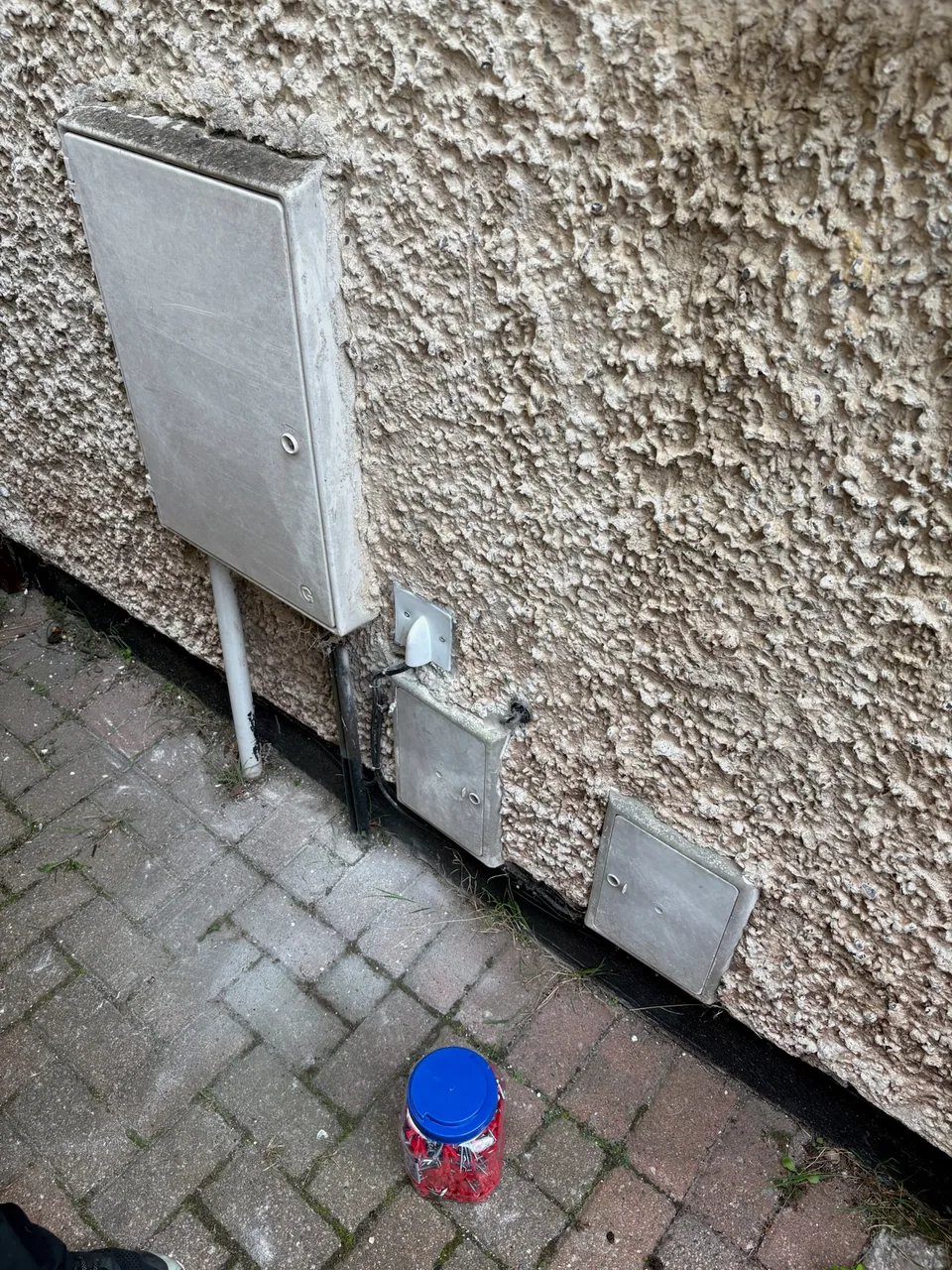
Routing the new network cables outside
We ran the cables along the outside wall to reach the access-point positions. This provided the connections between floors, while the compact units sat neatly against the interior walls.
The PoE switch and its connections were positioned beside the broadband router. From there, the new network cabling served the access points around the house.
Good performance across all three floors
Checks after installation confirmed good performance on each floor. The customer could now make better use of the existing broadband upstairs, with the added flexibility of Ethernet ports for compatible devices.
This job used new cable runs to reach the access points. In another three-storey new-home installation, we used Ethernet cabling already in the house and organised the equipment in a network cabinet.
Is your Wi-Fi slow upstairs?
Tell us where the router is and which floors or rooms struggle. We can assess the layout, plan access-point positions and explain the cable routes available.