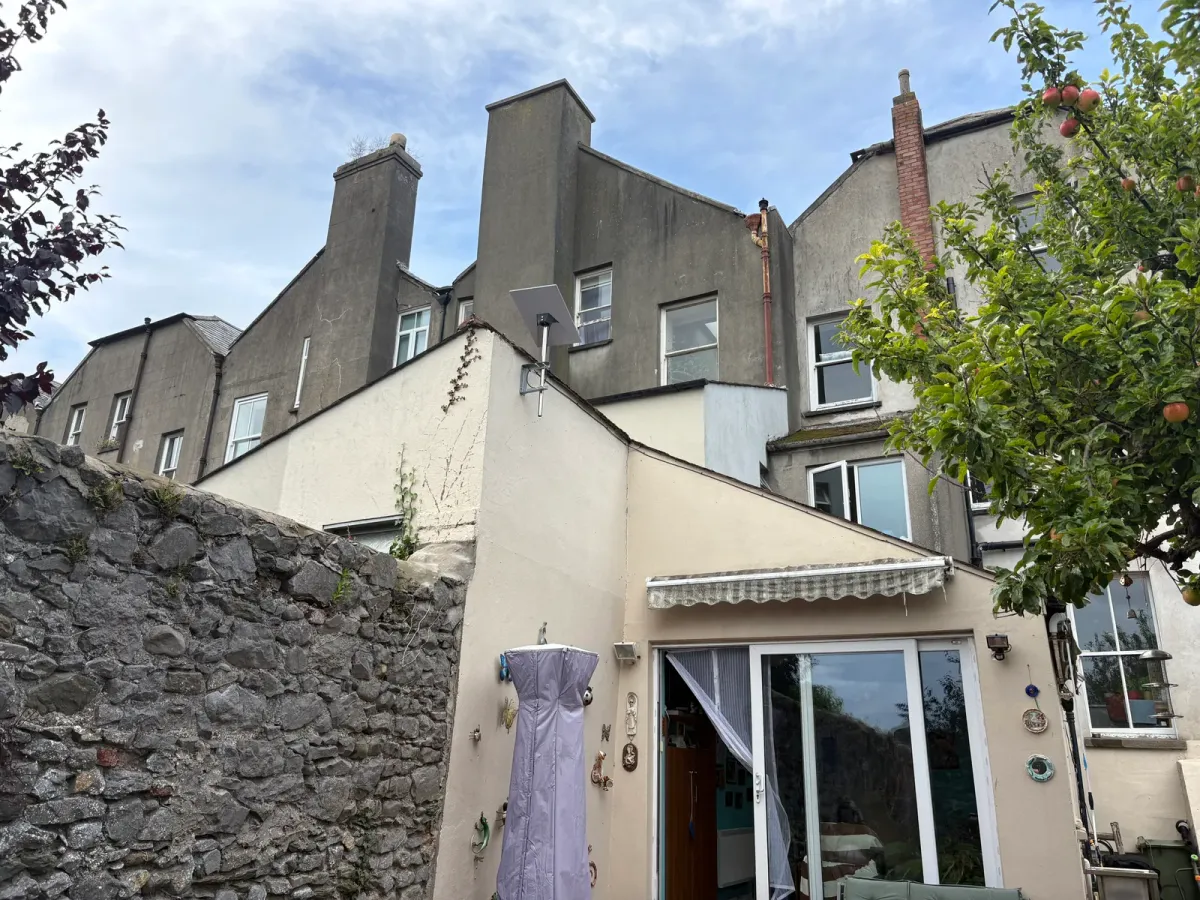
Louis’s beautiful period home had plenty of character, but its broadband and Wi-Fi were making everyday life difficult. Working from home was frustrating, and streaming services on the TVs buffered so often that they had become unusable.
We installed Starlink, new Ethernet cabling, four hardwired TP-Link Omada access points and a Power over Ethernet switch. Broadband speeds went from 30 Mbps download and 2 Mbps upload to 400 Mbps download and 50 Mbps upload, with reliable Wi-Fi coverage throughout the house.
Before and after the installation
| Before | After | |
|---|---|---|
| Broadband connection | eir DSL | Starlink |
| Download speed | 30 Mbps | 400 Mbps |
| Upload speed | 2 Mbps | 50 Mbps |
| Wi-Fi coverage | The available broadband speed was only accessible in the router’s room | High-speed connectivity throughout the home |
| Network cabling | No existing Cat6 cabling | New Ethernet cables linking four Omada access points to a PoE switch |
| Everyday use | Working from home was difficult; TV streaming constantly buffered | Reliable connectivity for work and leisure across the house |
These broadband figures describe the results achieved on this installation. They are not a promise of 400 Mbps on every wireless device; Wi-Fi speeds depend on the device, its location and network conditions.
The problem: slow DSL broadband and Wi-Fi blocked by thick walls
Our inspection found two issues that needed attention. Louis’s eir DSL connection delivered 30 Mbps download and just 2 Mbps upload. That limited the connection available for working from home and leisure.
Inside the house, coverage was another obstacle. The available speed could only be reached in the room containing the router. The building’s size and thick stone walls meant that one router could not provide useful Wi-Fi throughout the home.
For Louis, those problems showed up most clearly when trying to work or watch television. Even the existing broadband connection was not reaching the rooms where it was needed.
This is why we check both slow broadband and weak Wi-Fi. A faster incoming connection still needs a network that can distribute it around the building.
Starlink installation: increasing the incoming broadband speed
We installed Starlink to address the broadband bottleneck. Following installation, Louis’s connection delivered 400 Mbps download and 50 Mbps upload: roughly 13 times the previous download speed and 25 times the upload speed.
That gave the home considerably more capacity for work, streaming and everyday internet use.
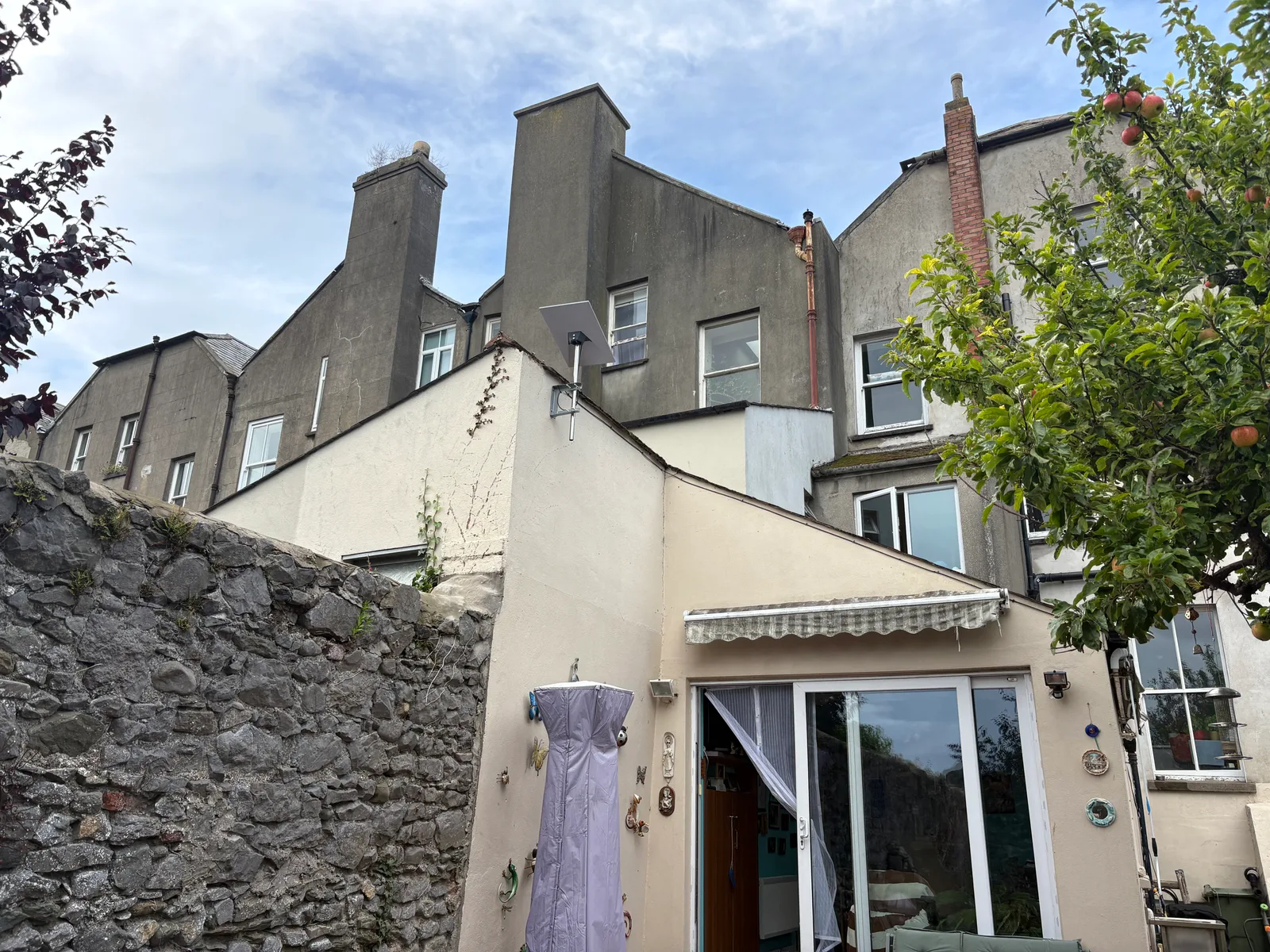
Our Starlink installation and setup service also covers connecting Starlink to the wider home network. On this job, that next step was essential to make the faster broadband useful throughout the house.
Whole-home Wi-Fi with four wired Omada access points
There was no existing Cat6 cabling, so we ran new network cables and installed four TP-Link Omada Wi-Fi access points, each hardwired to a PoE switch.
An access point provides Wi-Fi in its part of the home. Connecting each one by Ethernet carries the network through the building by cable, so the access points do not have to rely on a wireless connection through the thick walls back to the router.
The PoE switch supplies both data and electrical power over those cables. This lets the access points provide local wireless coverage without each needing a separate plug-in power supply.
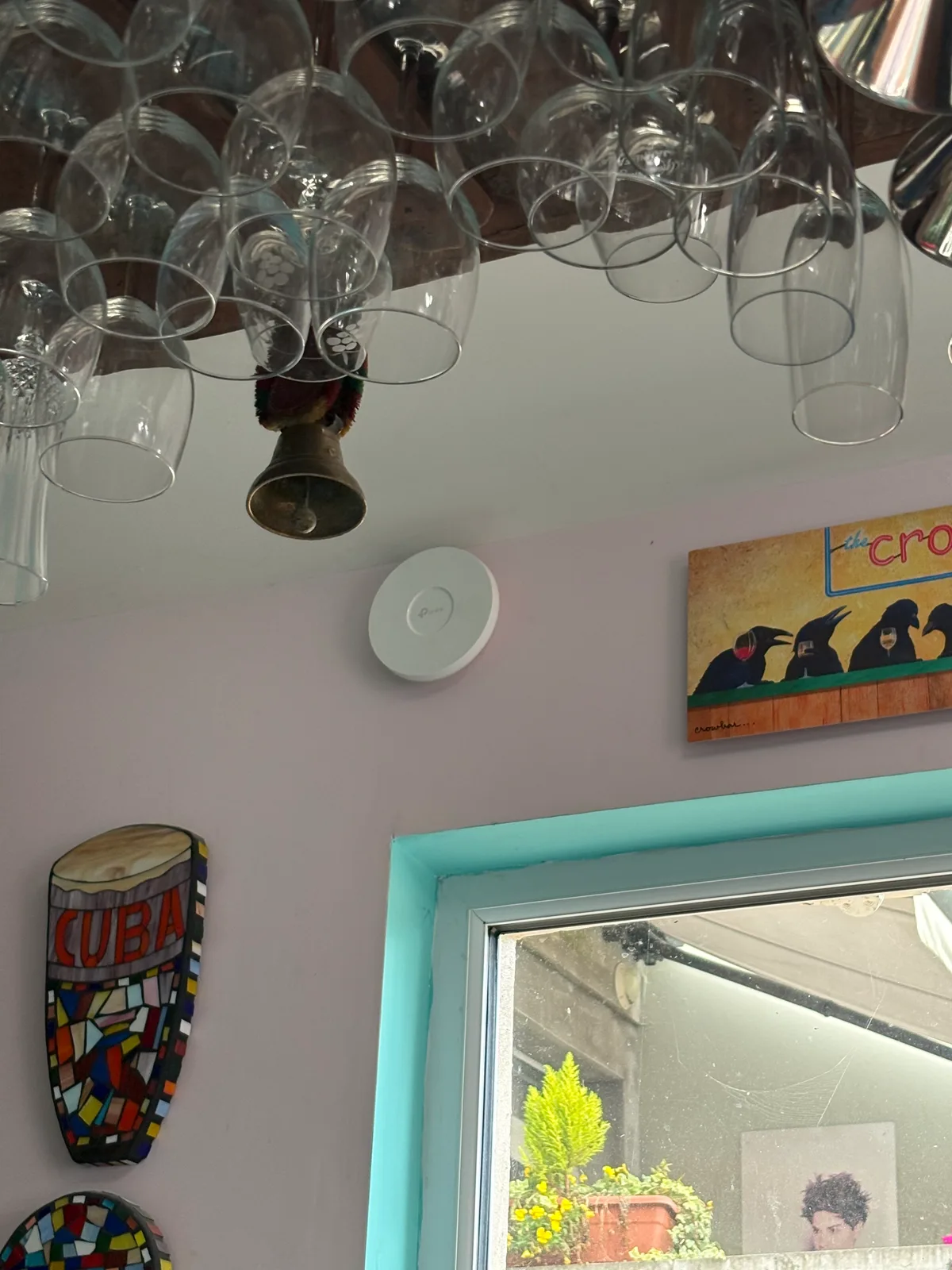
Combining Ethernet cable installation with several wired access points addressed the coverage problem caused by the thick walls. The new cabling provided the connection between rooms; the access points supplied Wi-Fi where it was needed.
The result: reliable internet for work and streaming
Louis now has high-speed broadband and dependable Wi-Fi throughout the house. The installation resolved the connectivity problems that had made working from home difficult and TV streaming unusable.
Both parts of the job contributed to that result: Starlink increased the incoming broadband speed, while the wired Omada network extended coverage across the home.
Need better Wi-Fi in an older home?
If your Wi-Fi only works near the router, or thick walls leave rooms with a weak signal, we can assess the connection and plan coverage around your home.
Unified Networks provides home Wi-Fi installation, Wi-Fi dead zone fixes, network cabling and Starlink installation in Dublin and surrounding areas.
Book a consultation to discuss your broadband speeds, the rooms with poor coverage and what you need your network to support.