Broadband entered this home through the hallway, leaving the router at one edge of the house. Wi-Fi speeds dropped in rooms on the far side, and the customer also wanted the router out of sight.
The home Wi-Fi installation addressed both concerns: we relocated the router to the attic and fitted a separate long-range access point in the hot press to provide coverage around the house.
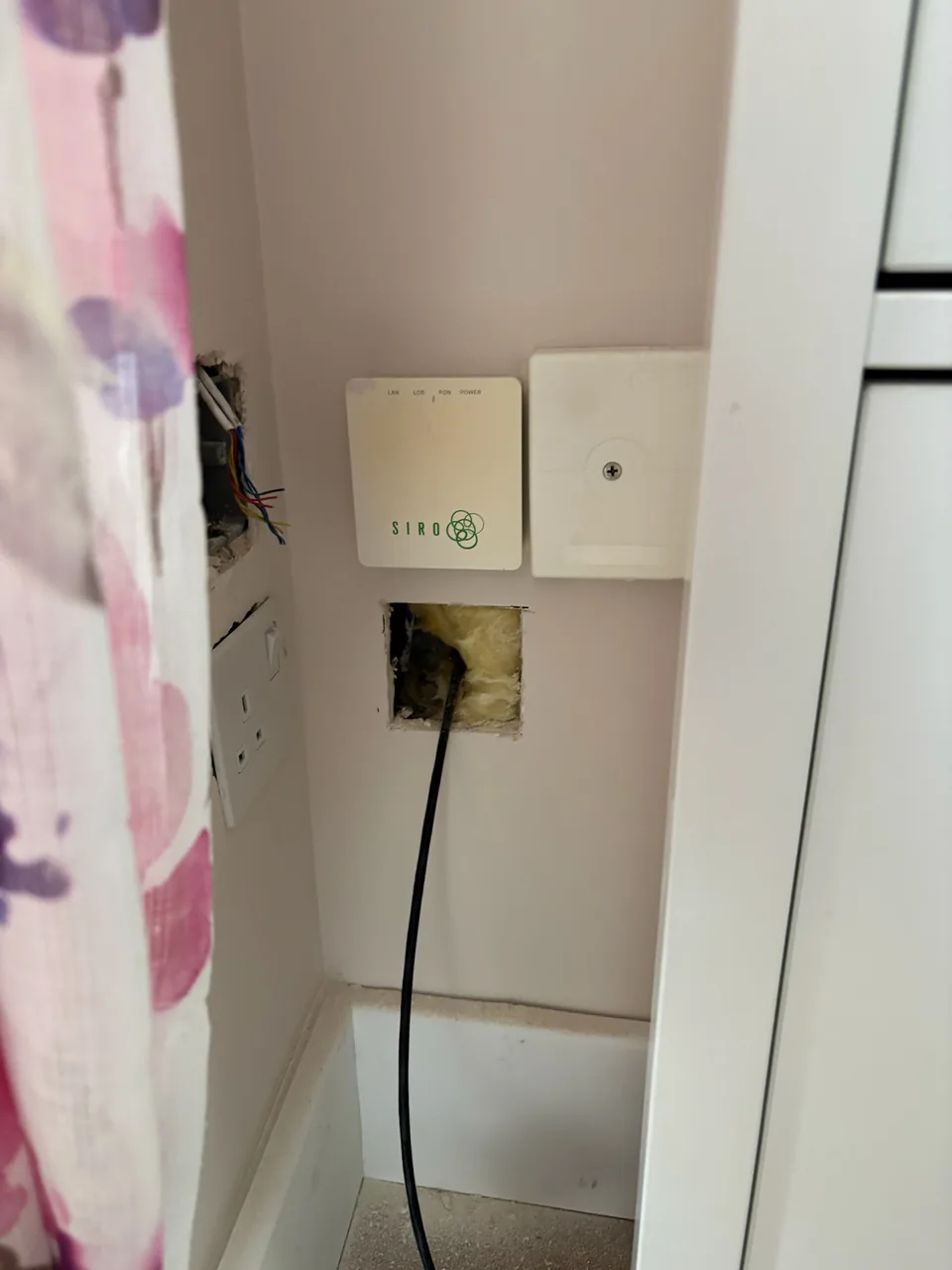
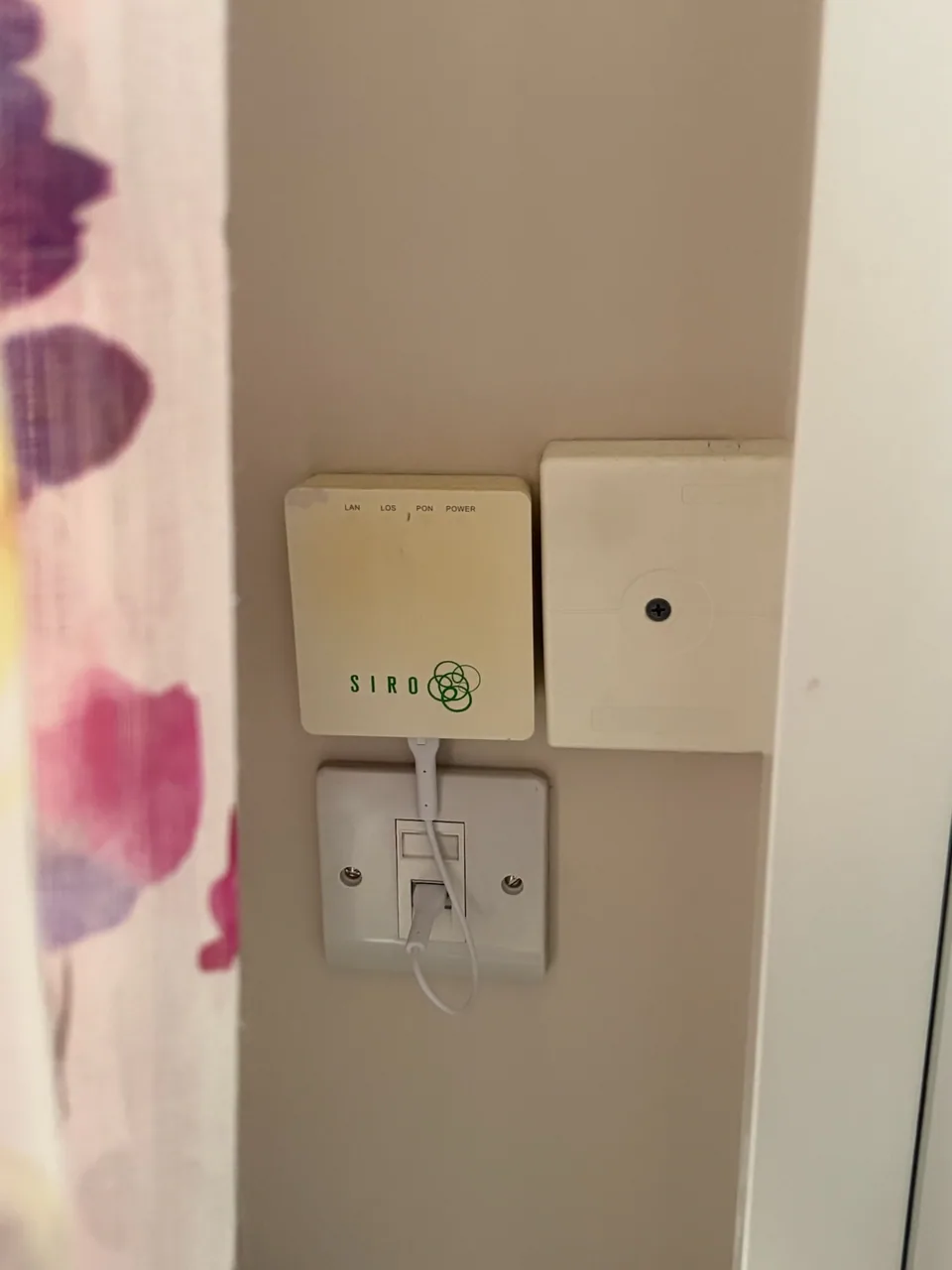
Connecting the router from the existing fibre entry
We ran a network cable from the existing fibre connection box, known as the ONT, to the attic. The relocated router connects to the ONT through this new cable.
The ONT stayed in its original position. This kept the incoming fibre entry where it was while allowing the router to sit elsewhere in the property.
A separate access point for Wi-Fi coverage
Moving the equipment out of the hallway addressed the appearance of the installation. The separate access point addressed the Wi-Fi coverage.
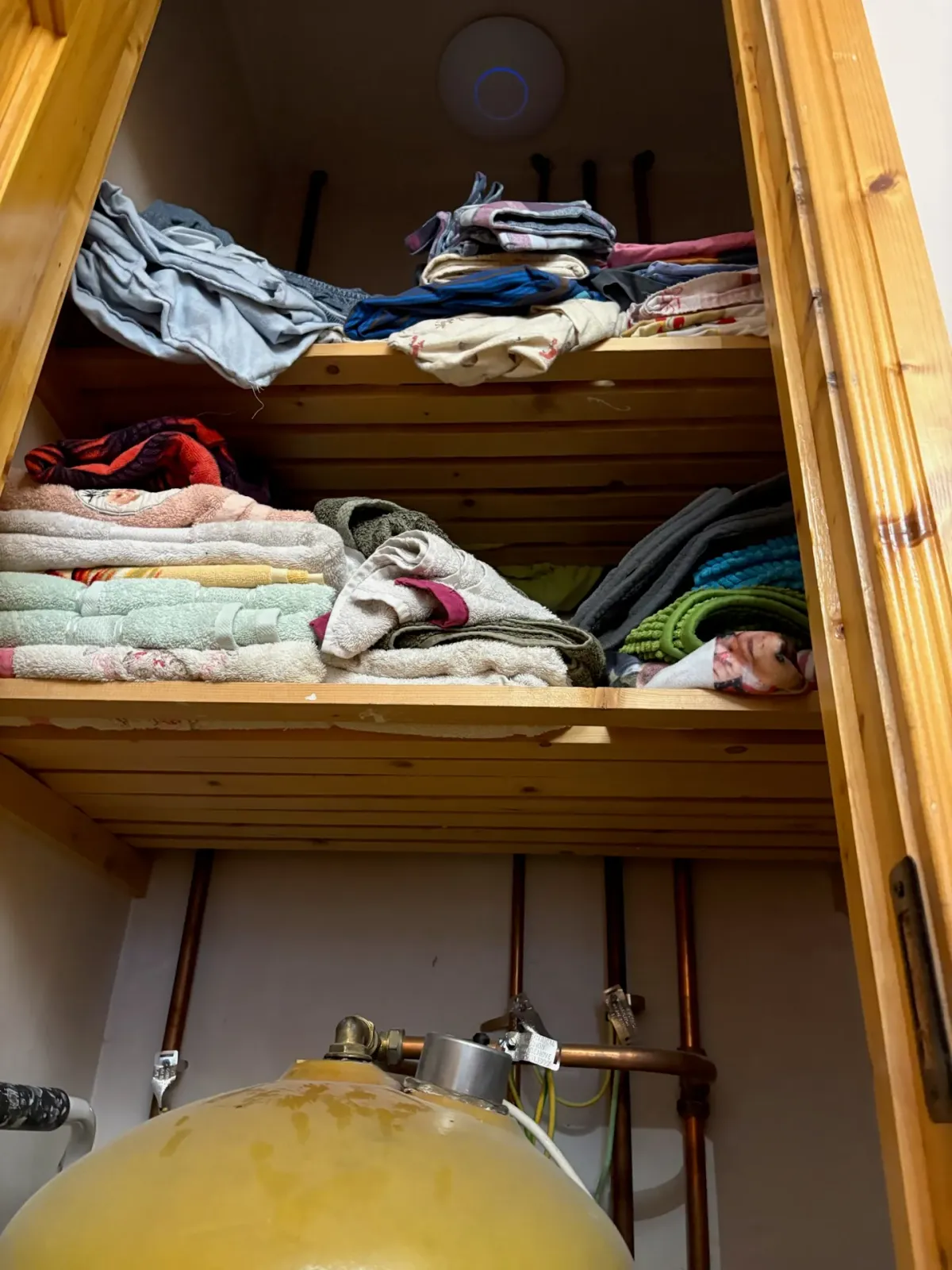
We installed a long-range access point high in the hot press. From this position, it provided fast Wi-Fi throughout the home, including the rooms that had previously struggled with coverage.
The completed setup left a tidier hallway, with the router in the attic and the access point providing the home’s Wi-Fi. These positions suited this particular installation; the router location and access-point layout need to be considered together.
For a larger property needing several access-point positions, see our Wi-Fi installation across three floors.
Is your router in an awkward place?
Tell us where the broadband enters the house and which rooms lose Wi-Fi. We can assess the layout and cable routes, then plan router and access-point locations around both the coverage you need and the appearance of your home.