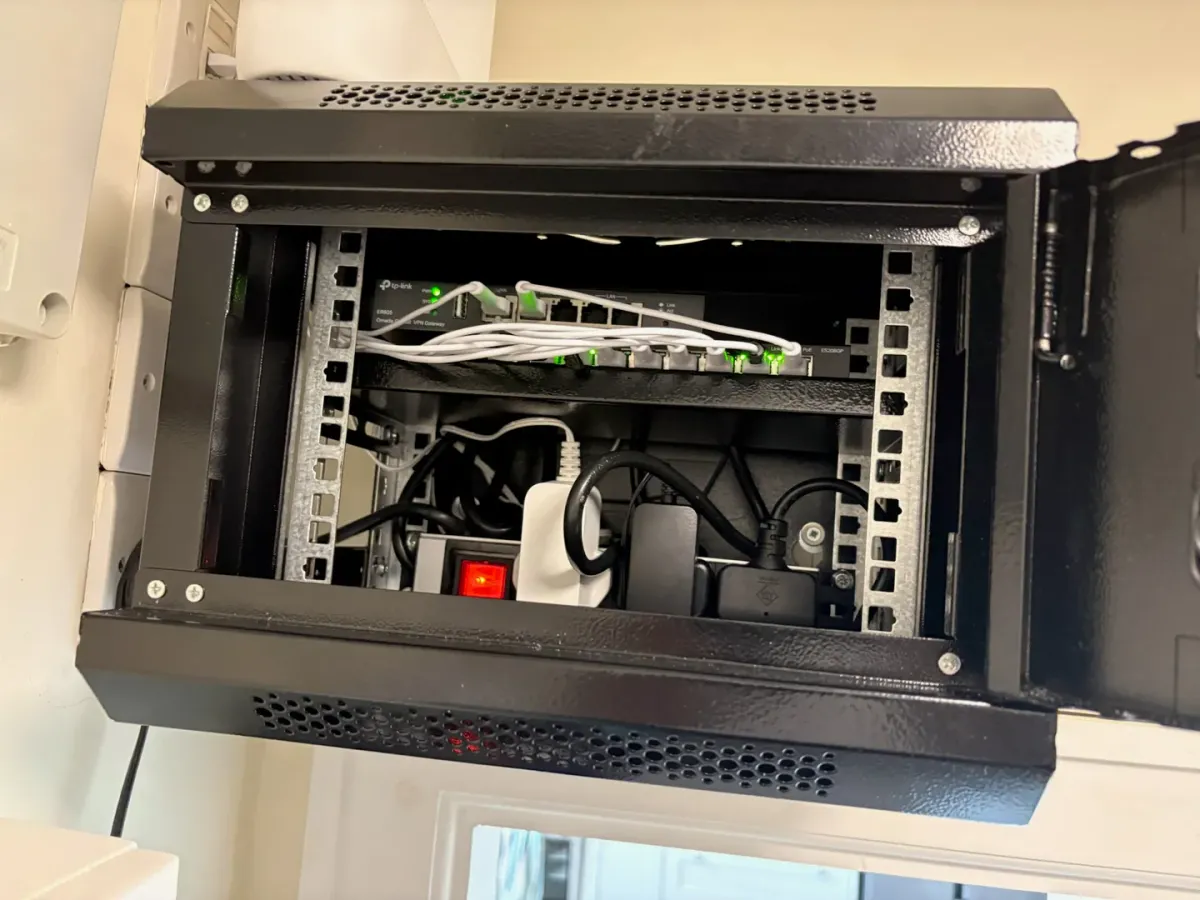
This three-storey new home already had Ethernet connections, but Wi-Fi on the top floor was poor. There were no dedicated access points, and the network switch was hanging from the wall sockets, leaving the equipment untidy.
Our home Wi-Fi installation made use of the existing Ethernet cabling. We installed a communications cabinet, upgraded the switch to PoE and fitted three in-wall access points in total, one on each floor.
A proper cabinet for the network equipment
The first part of the work was to bring the equipment into an organised setup. We installed a network cabinet to house the switch and its connections properly.
We also replaced the existing switch with a PoE switch. This supplies both power and data to the access points over their network cables, giving the new Wi-Fi equipment its connection to the home network.
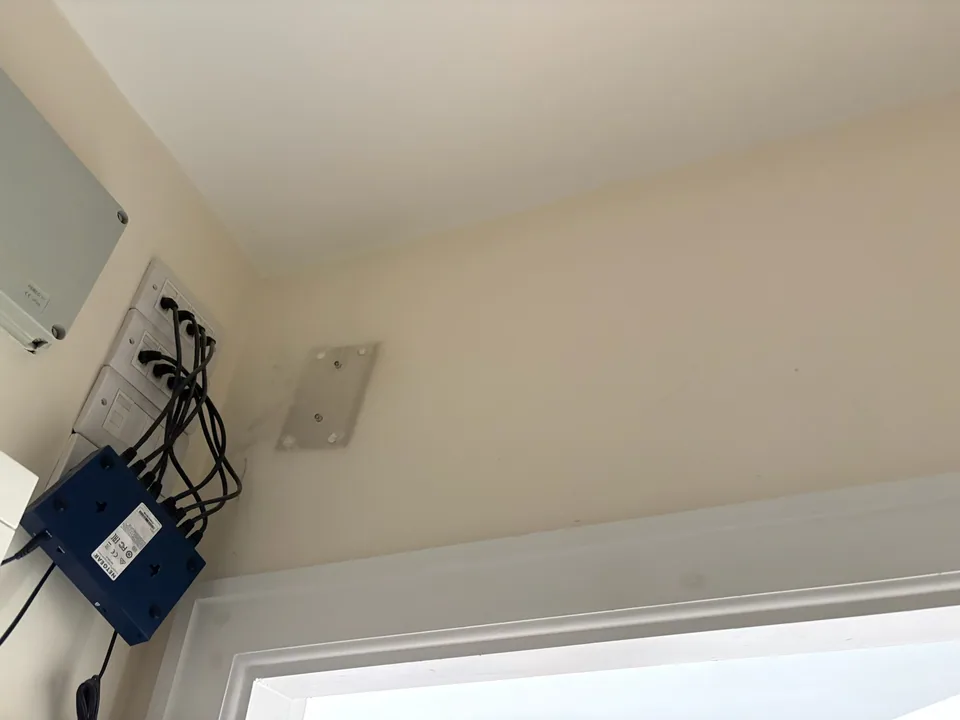
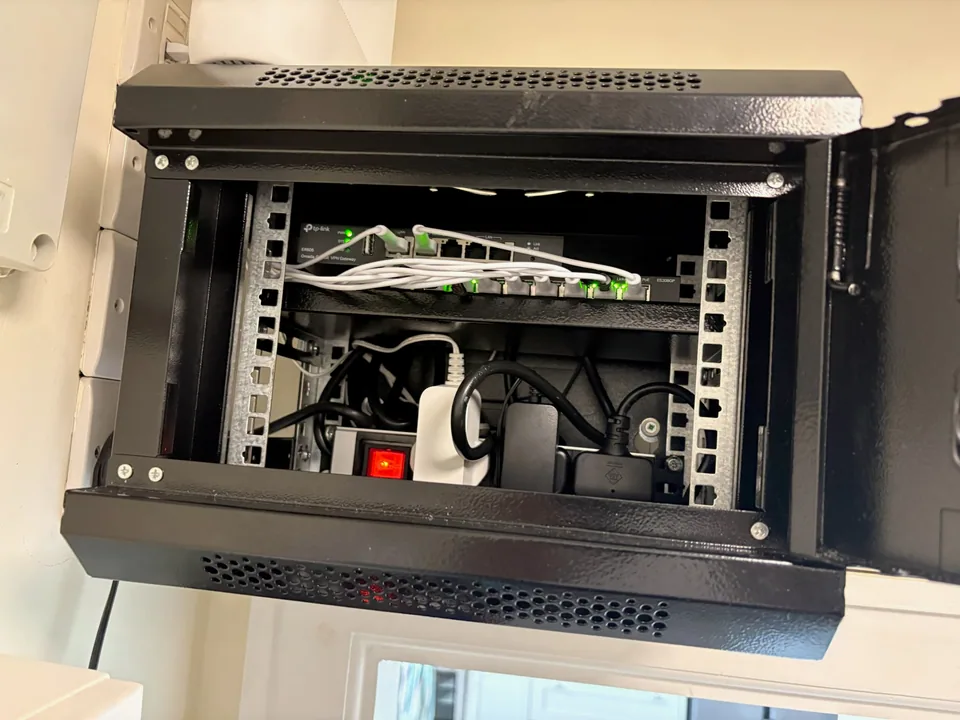
Using the Ethernet cabling already in the house
The house’s existing Ethernet connections provided the routes to the access-point positions. We installed one in-wall unit on each of the three floors.
That gave the top floor its own source of Wi-Fi coverage and brought coverage to all three levels. The existing cabling now supported access points where they were needed around the home.
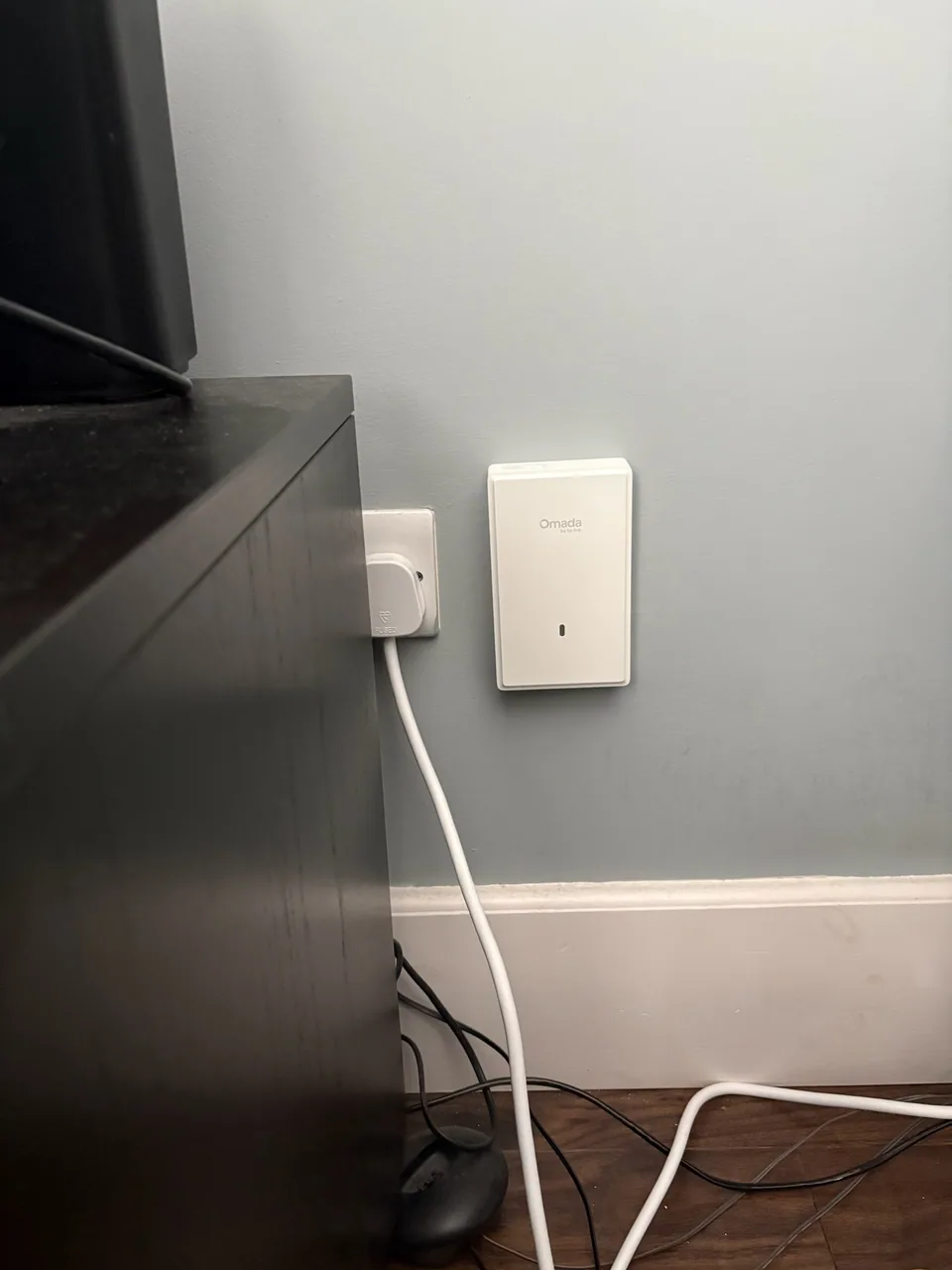
A tidier installation and better coverage upstairs
The completed work addressed both parts of the brief. The equipment was housed neatly in its cabinet, and the access points extended Wi-Fi to upstairs spaces that had previously struggled.
This project used the connections already available. In a separate new-build network installation, we completed the cable terminations before connecting the network equipment and access points.
Have Ethernet sockets but poor Wi-Fi upstairs?
Existing sockets can be useful starting points when planning access-point locations. Tell us where the router and network cables are, which floors struggle and whether the equipment needs a cabinet.
We can assess what is already installed and explain the work needed to improve coverage and tidy the setup.