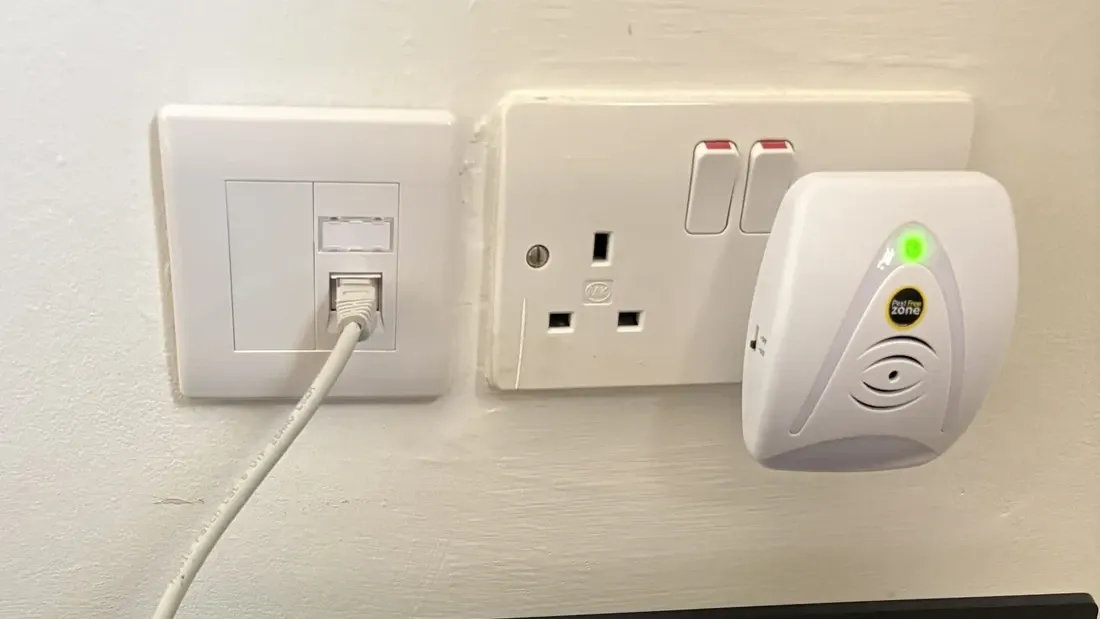
Niall’s router was in the living room, tucked behind the TV. He wanted to extend his home network to an attic office and a study, where he plans to connect the ASUS routers he already owns to create a seamless mesh throughout the house.
Our part of the job was to put the wired connections in place. We installed two Cat6 cable runs from the living-room router location: one to the attic office and one to the study.
The structured cabling provides permanent network connections to those rooms, ready for Niall’s planned setup.
The brief: two rooms, with the equipment already there
Niall already had the networking gear for his planned setup. The missing piece was the cabling between the living-room router and the two rooms where he wanted to position it.
| Part of the home | Work completed | Purpose |
|---|---|---|
| Living room, behind the TV | Starting point for two new Cat6 runs | Bring the connections back to the existing router location |
| Attic office | One Cat6 run from the living room | Provide a wired connection for Niall’s planned ASUS router setup |
| Study | One Cat6 run from the living room | Provide the second wired connection for his planned mesh |
This kept the work focused on what Niall needed: permanent cable connections between rooms, ready for him to connect his own routers.
Working with Niall’s existing routers
Niall already owned the ASUS routers he wanted to use. We planned the cable runs around their intended positions, so the job could focus on the missing wired connections without replacing his equipment.
Why cable the rooms for a wireless mesh?
Mesh Wi-Fi still needs a connection between its units. With a wired connection, the cable carries that traffic between rooms, while the routers provide Wi-Fi nearby. This is often called Ethernet backhaul.
That means the link between mesh units does not have to depend on a wireless signal travelling through the walls and floors separating them. It also gives more flexibility to place a unit in a room where coverage is needed.
Compatible ASUS AiMesh routers support wired connections between units; the exact setup depends on the models and configuration. ASUS explains Ethernet backhaul in its setup guide.
For this job, the completed result is the cabling. Niall’s next step is to connect and configure his ASUS routers for the planned mesh. The Cat6 runs provide the wired foundation for that setup.
Cabling an older home with care
Installing Ethernet cables in an older or already decorated home can sometimes be complicated. Walls and ceilings are finished, access can be limited, and the most direct route between two rooms may be the most disruptive one.
We always look for a practical way through that minimises disturbance to the home, including the number and size of holes and cuts in plasterboard. Careful route planning matters just as much as getting the cable from one end to the other.
Depending on the building, that can mean making use of accessible attic space, existing routes or discreet surface routing. These are options to assess for each home, rather than a promise that every route can be hidden without opening anything up. Where access openings are needed, we discuss the approach with the customer and aim to keep them to a minimum.
The aim is a useful, lasting network connection with as little disruption to the existing finish as the property allows.
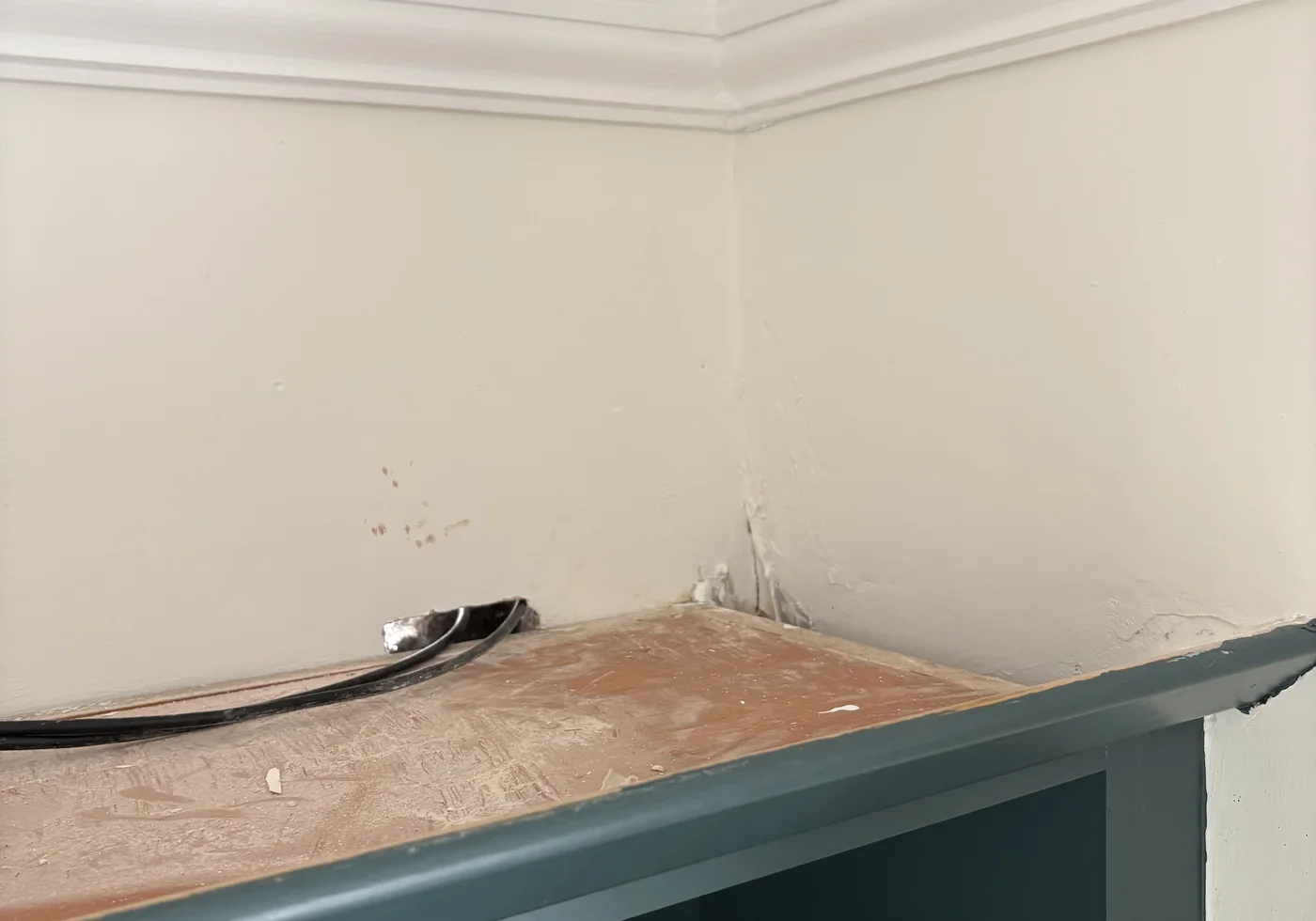
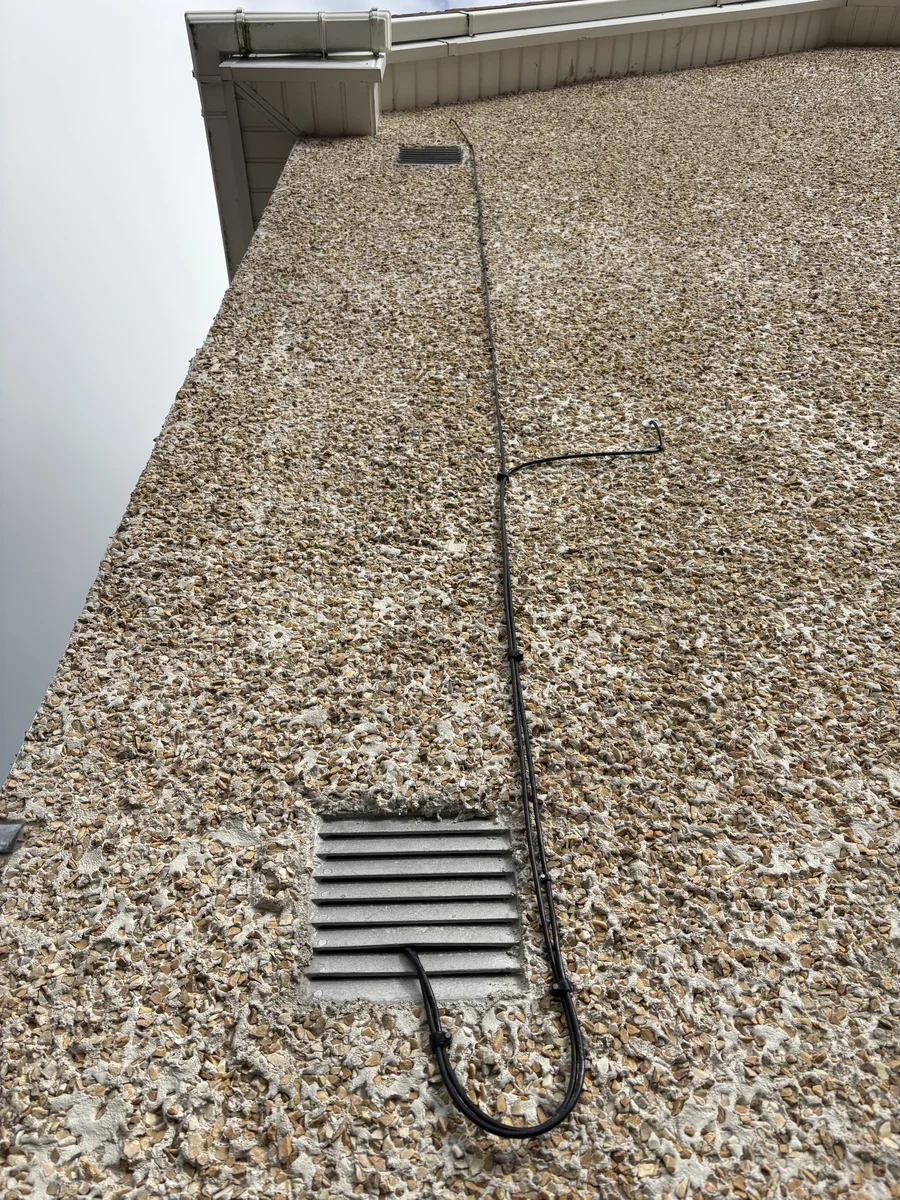
The result: ready for Niall’s next step
Niall now has two Cat6 runs linking the living-room router location with his attic office and study. The cabling is in place for him to connect his existing ASUS equipment and build the whole-home mesh he has planned.
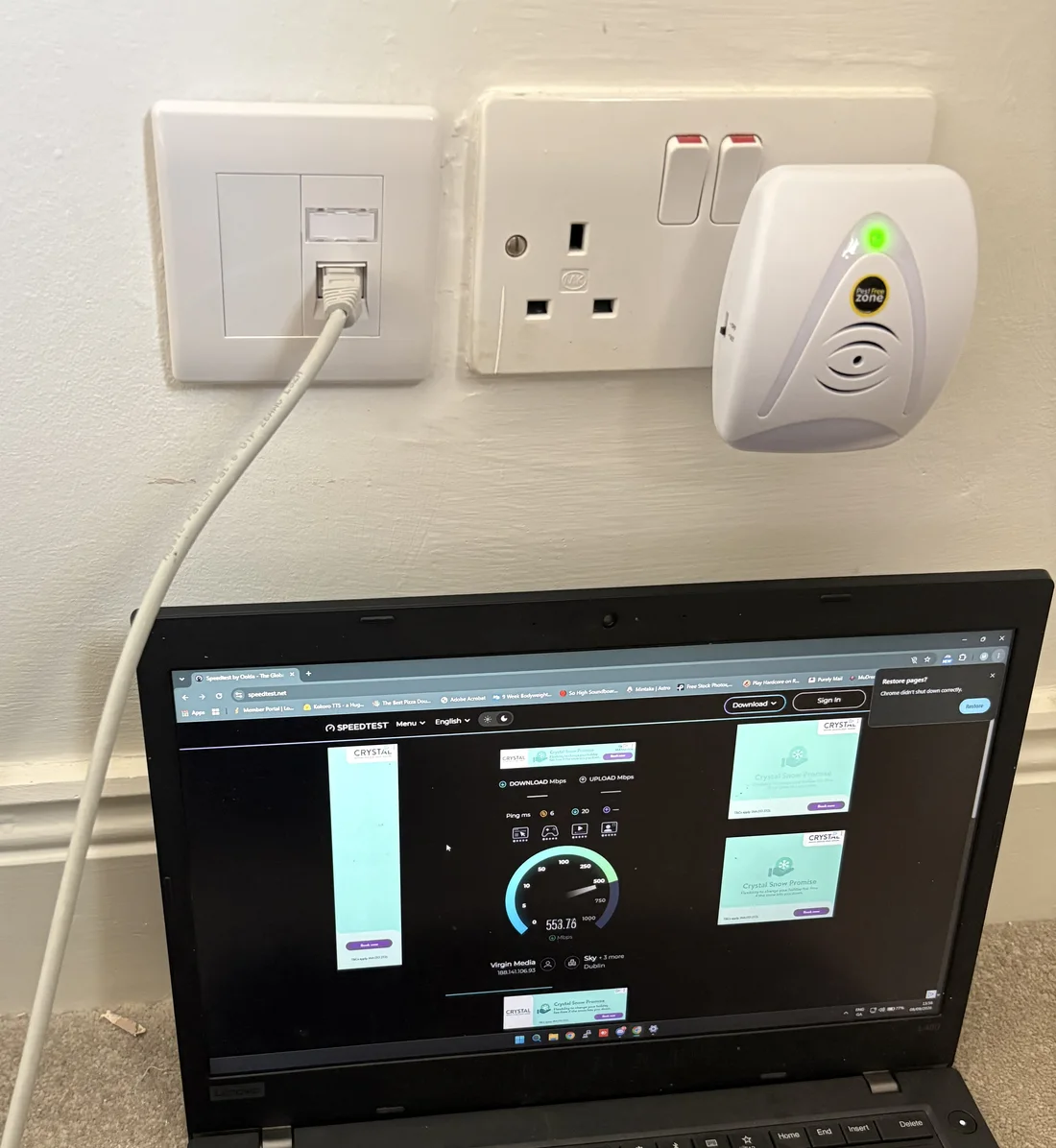
Need Ethernet cabling in your home?
If your router is in one room and you need connections in an office, study or upstairs space, we can look at the available routes and the equipment you already have.
Unified Networks provides Cat6 and network cable installation and home Wi-Fi installation and setup in Dublin and surrounding areas.
Ask about cabling your home and tell us where your router is and which rooms need a connection.