At one end of this L-shaped Dublin home was the broadband router in the utility room. At the other were the gaming PC and the living room. The homeowner wanted Ethernet for the PC and reliable living-room Wi-Fi, with as few new holes as possible.
We planned the Ethernet cable installation around both needs: a wired connection for the gaming equipment and a separate access point for the living room.
Bringing the connection to the gaming room
We ran a network cable from the utility room along the outside of the house, clipping it neatly and using existing trunking along the route. The cable reached the gaming room first, where we installed a PoE network switch.
The switch served two purposes: Ethernet ports for the gaming equipment, and power and data for the living-room access point. The gaming setup gained a wired link back to the router, while the access point brought Wi-Fi closer to the living spaces.
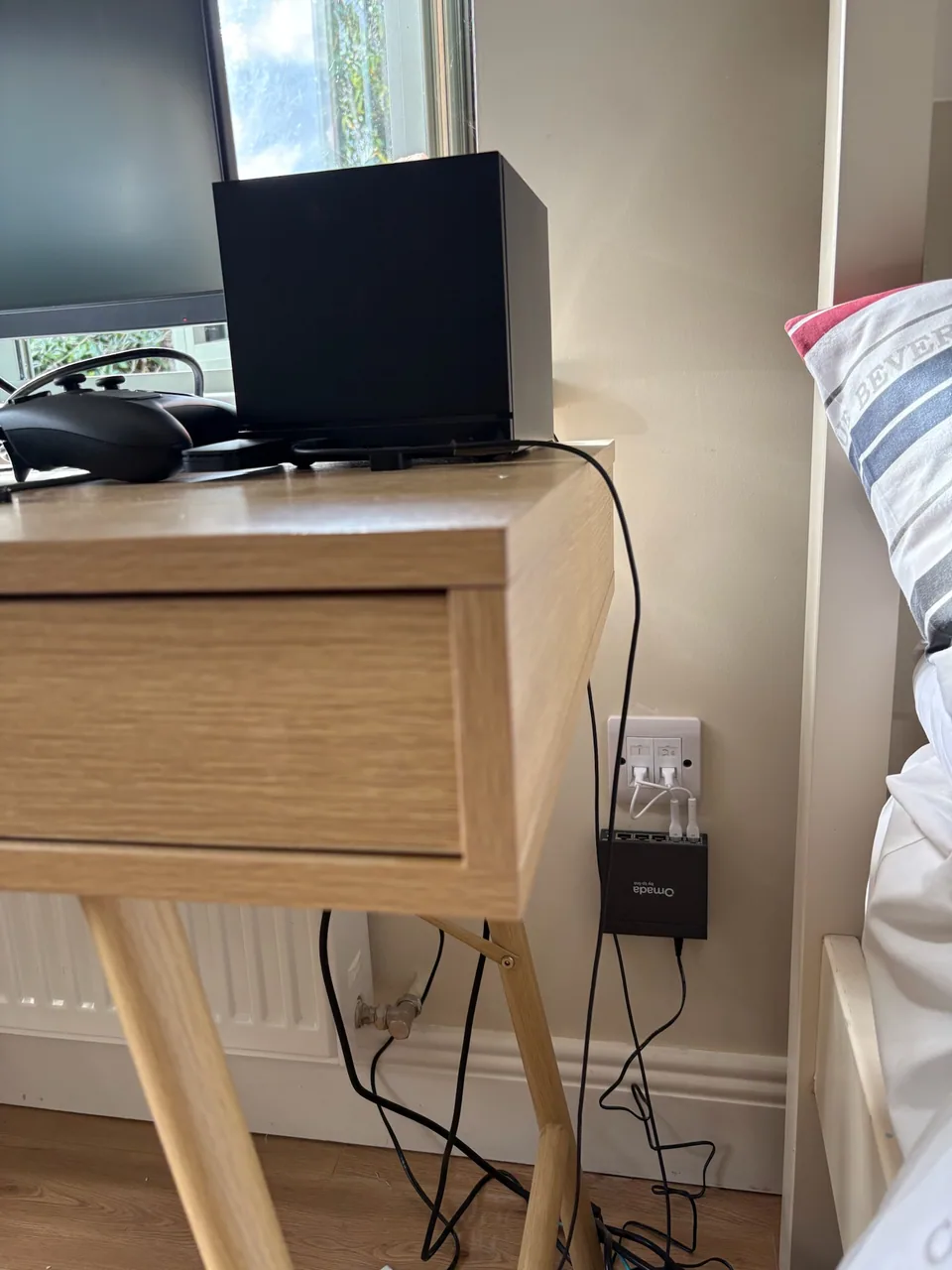
A tidy two-port wall connection
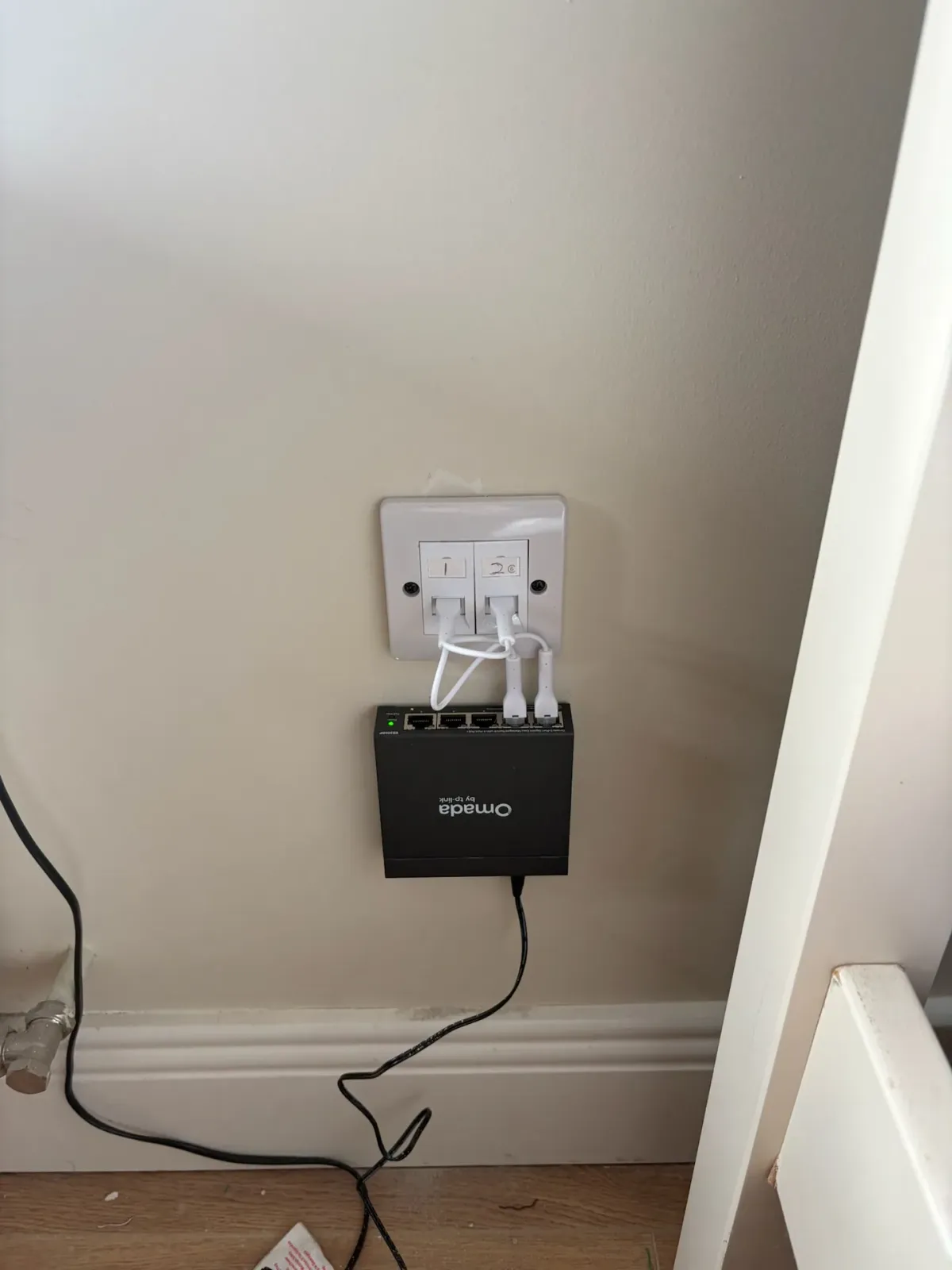
We fitted a two-port Ethernet wall socket beside the switch. One port carries the connection from the utility-room router; the other connects to the living-room access point.
Both ports connect to the switch using short patch leads. The switch’s remaining ports provide connections for the gaming equipment. This arrangement keeps the two cable runs neatly terminated at the wall.
Working with existing routes
The customer had specifically asked us to avoid unnecessary holes. Alongside the existing external trunking, we used an existing vent for the living-room access-point cable, avoiding an additional wall opening for that run.
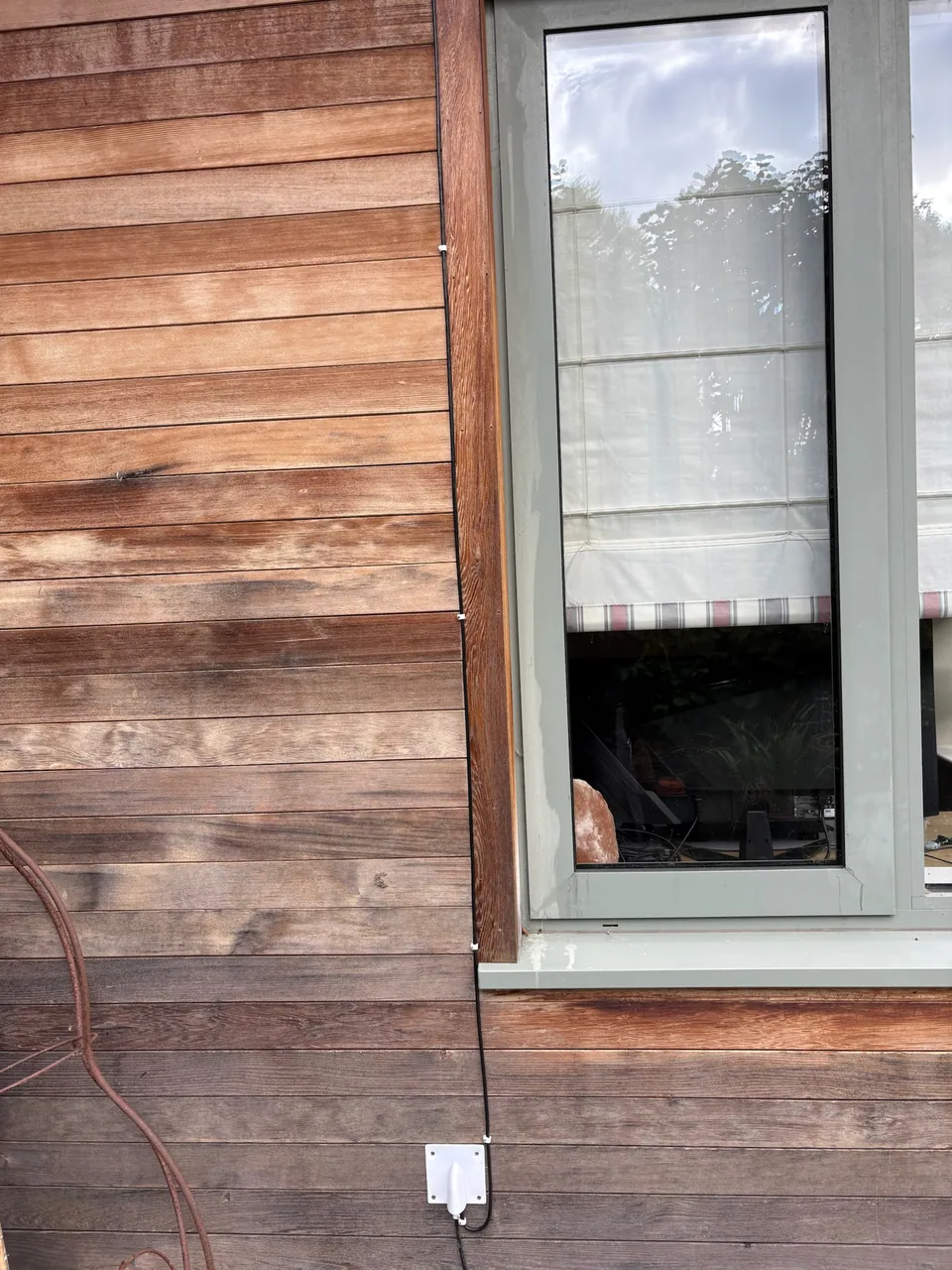
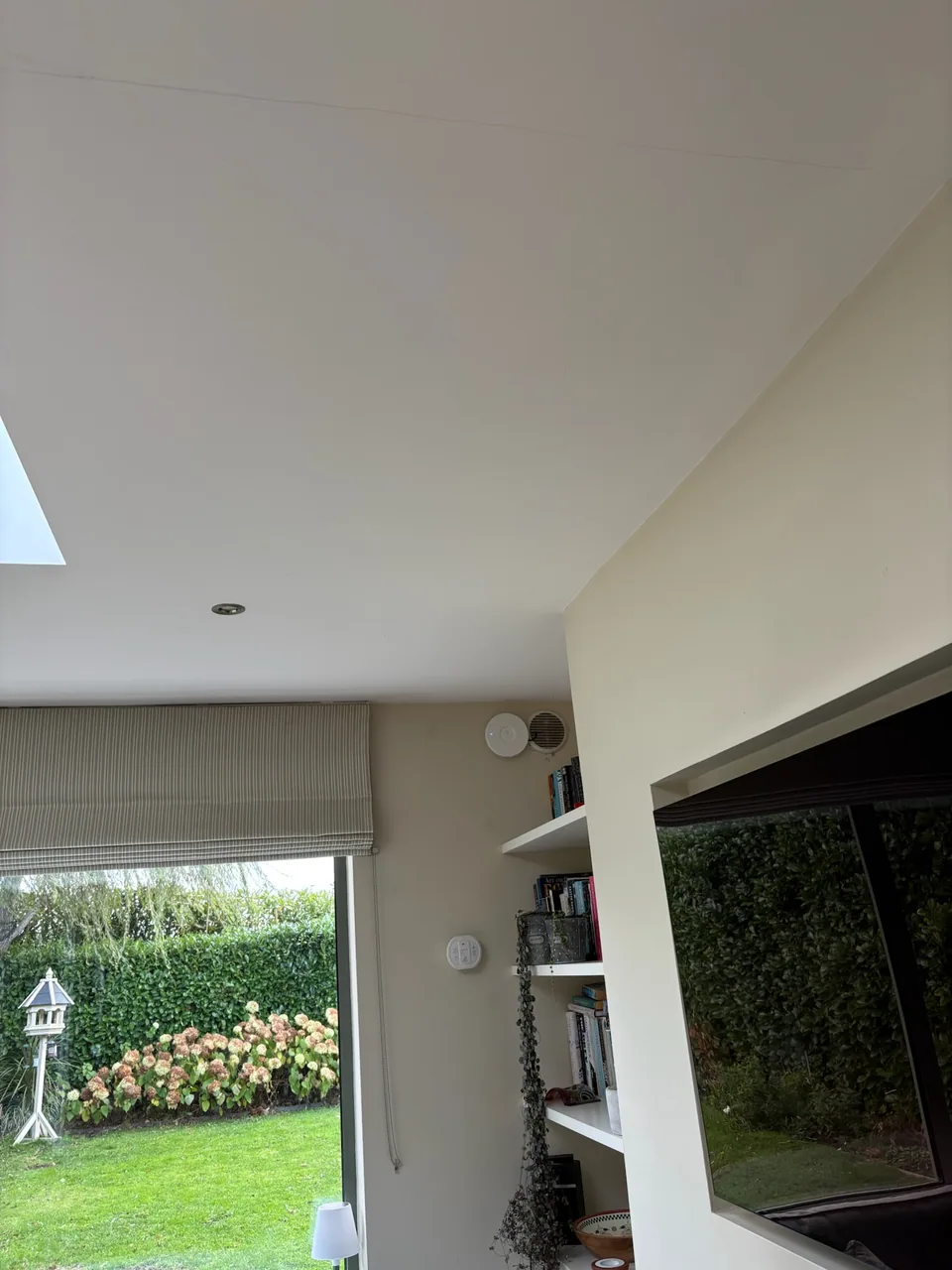
The PC now has a wired path back to the utility-room router. The living room gets Wi-Fi from its own access point, powered from the same switch beside the gaming desk. Reusing the vent saved one wall penetration.
For another example of combining wired connections with local Wi-Fi, see our installation for two attic offices.
Is your router at the wrong end of the house?
Tell us where your router is, which devices need Ethernet and which rooms need better Wi-Fi. We can assess the available cable routes and combine wired connections with Wi-Fi access points where they are needed.