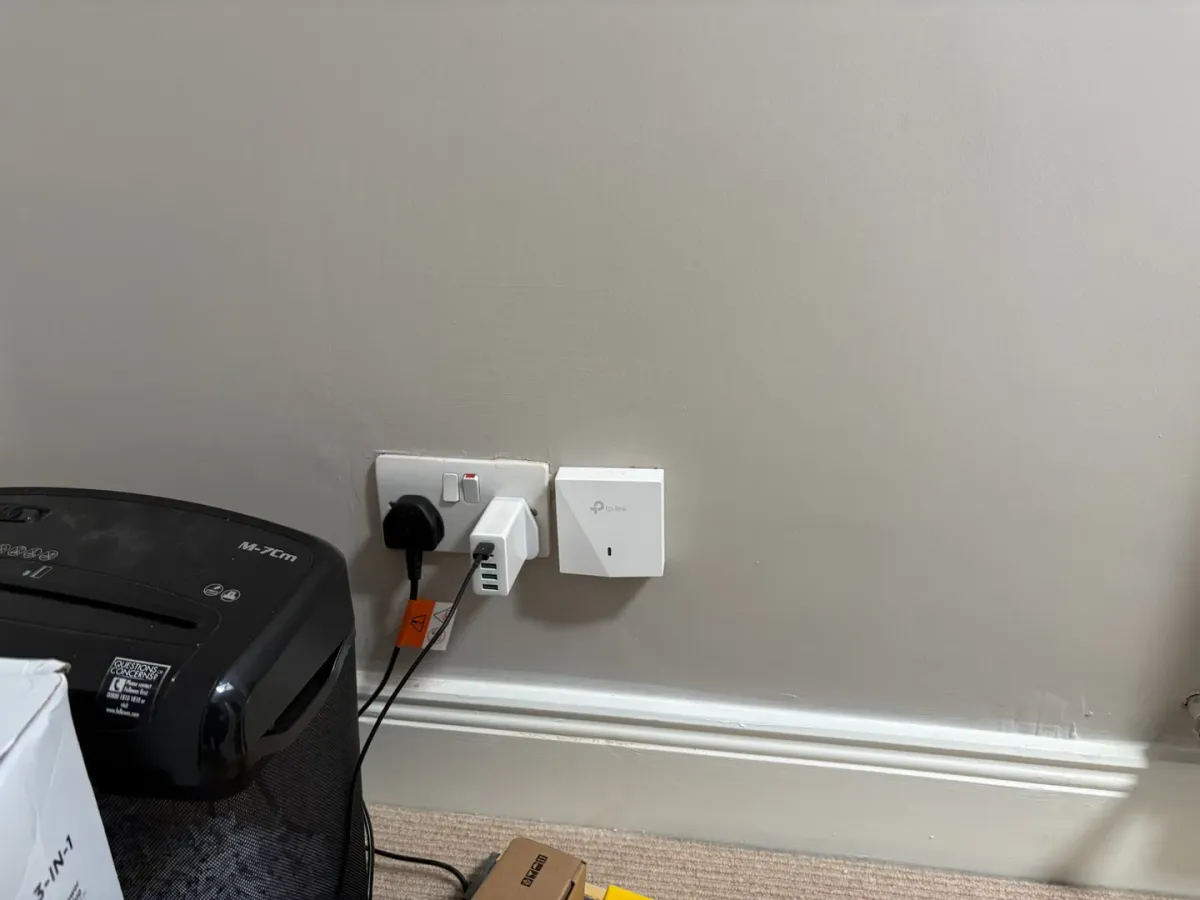
Neither office in the converted attic of this Dublin home could pick up the downstairs Wi-Fi. We ran network cables up the outside wall and through the attic, so each desk could have Wi-Fi and an Ethernet socket without opening the finished walls.
The home Wi-Fi installation also covered the living room. All three access points use the existing broadband router.
A wired access point in each office
We installed one wall-mounted access point in the living room and two compact in-wall access points, one in each attic office. All three connect to a PoE network switch linked to the existing broadband router.
Each access point is wired back to the switch, so its network connection does not depend on a wireless signal reaching it from downstairs. Compared with mesh units that communicate with one another wirelessly, this avoids a potential weak link through the walls and floors between them.
Some mesh systems also support Ethernet backhaul, meaning wired connections between their units. In either setup, the cable carries the connection between locations while Wi-Fi serves nearby devices.
Wi-Fi and Ethernet at the desk
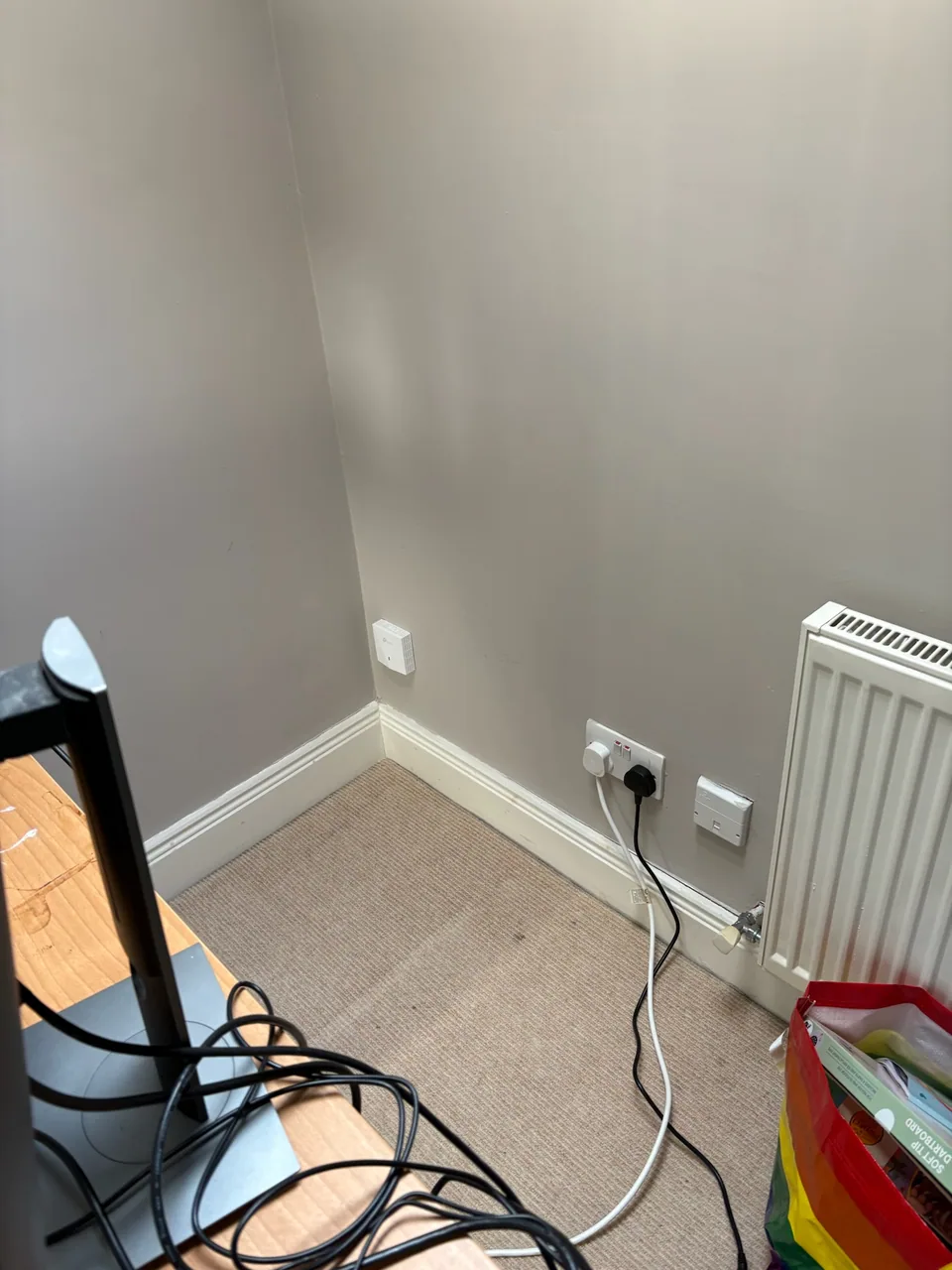
The in-wall units provide both Wi-Fi and Ethernet sockets. The customer can use wireless devices while also plugging compatible office equipment directly into the network.
A printer with an Ethernet port is one example: it can use a wired connection even if it does not support Wi-Fi. The small access points sit against the wall, keeping desk space available for work.
The same combination can be useful in a separate workspace. See our garden-office installation with Wi-Fi 7 and three Ethernet ports.
Routing the cables outside the finished rooms
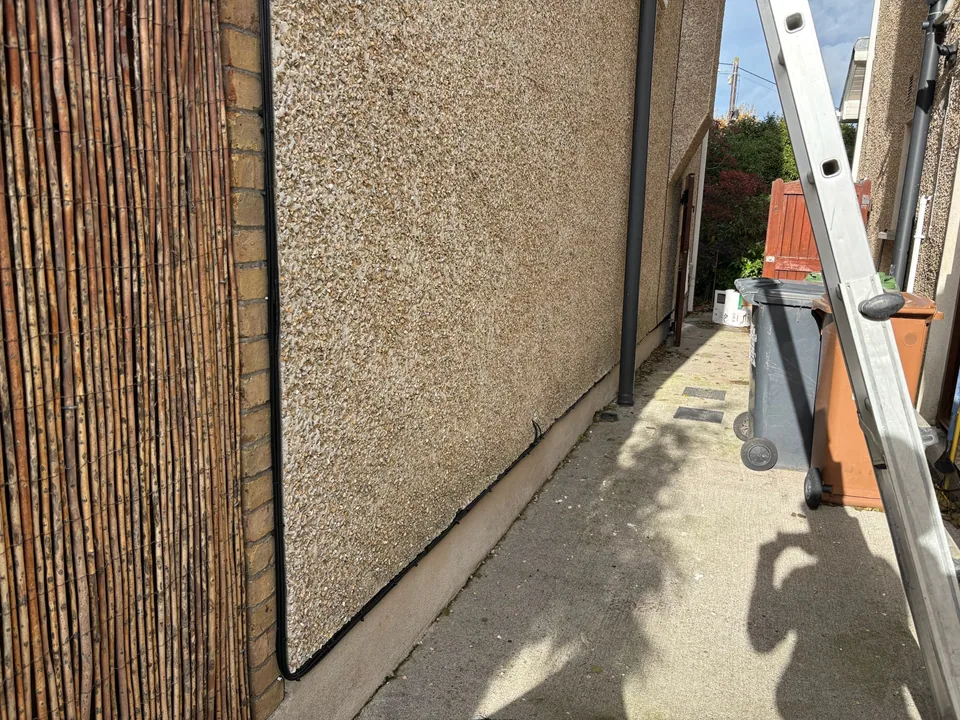
We brought the cables through the wall near the broadband router and clipped them neatly along the outside of the house. The route served the living room and continued into the attic space, from where the cables reached both offices.
This kept the access-point cable runs out of sight indoors, apart from the connections at the PoE switch. Using the external route avoided opening up the plasterboard to run cables through the finished rooms.
The result: connected attic offices and whole-house Wi-Fi
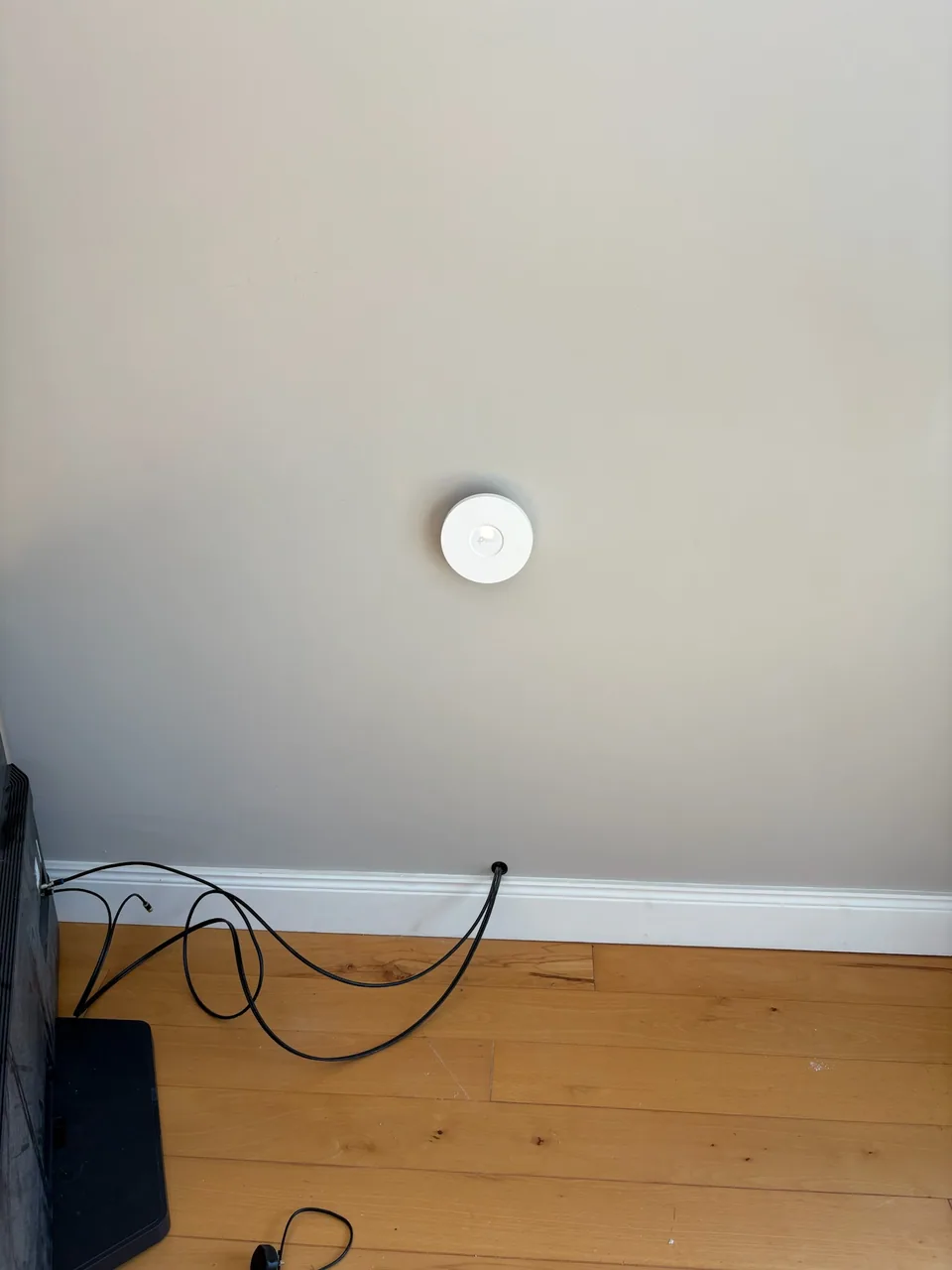
Both attic offices went from no usable Wi-Fi to coverage at the desk, with a wired port available for a computer or printer. The living-room access point covered the downstairs space.
If your attic office has little or no Wi-Fi, tell us where your router is and which rooms need a connection. We can assess the available network cable routes and plan Wi-Fi, wired connections or both.