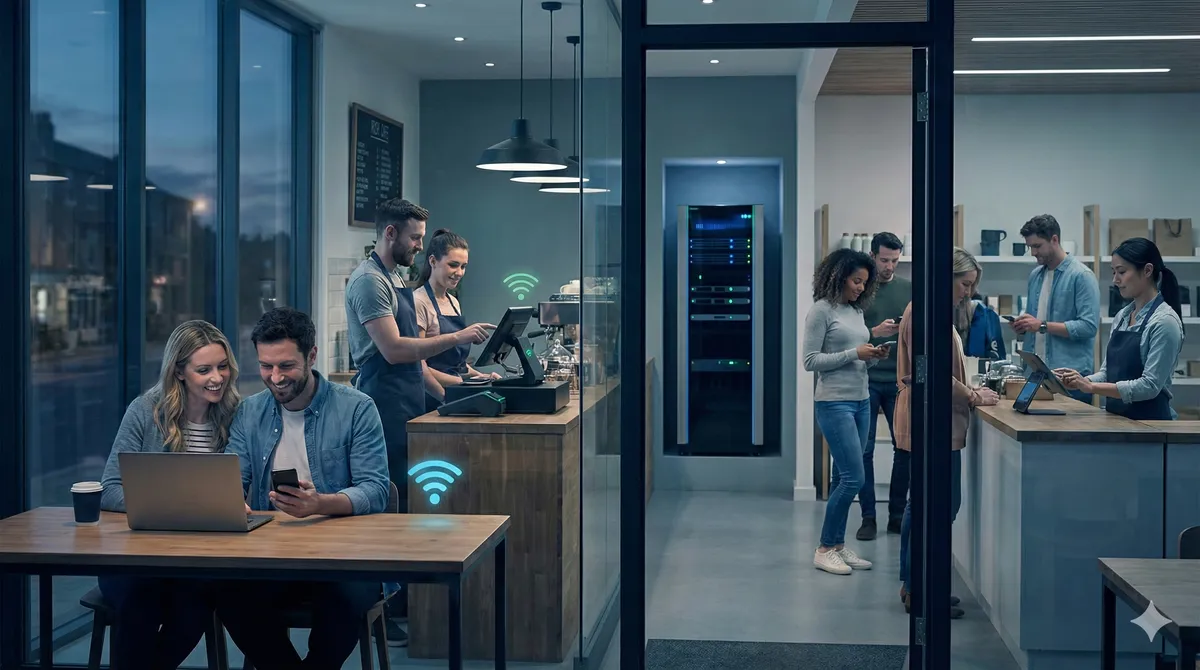
If customers or visitors need internet on site, guest Wi-Fi for business should be treated like a business system, not a spare password on the main network.
If you need help in Dublin or surrounding areas, the closest starting point is guest Wi-Fi for business, and the next most relevant path is managed Wi-Fi services.
The main rule: separate guest and staff traffic
This is non-negotiable in most business setups.
Guest traffic should not sit on the same network as:
- payment systems
- office devices
- printers
- cameras
- internal admin tools
Separation protects business systems and helps keep performance stable.
And no, password changes alone are not enough.
What happens when networks are not separated
You usually see one or more of these:
- staff systems feel slow at busy times
- payment terminals stutter
- random disconnections when footfall rises
- support headaches because everything is mixed together
In busy venues, shared networks can get hammered quickly.
One event. One rush hour. One update storm on guest phones. Suddenly your critical traffic is fighting with everyone else’s YouTube and app updates.
What good guest Wi-Fi should include
At minimum, you want:
- separate guest and staff networks
- clear bandwidth behavior for guest traffic
- predictable coverage in customer areas
- stable staff performance during busy periods
Depending on site type, you may also want terms page, timed access, or simple onboarding flow.
But first things first: separation and stability.
Example
Cafe with indoor and outdoor seating.
Old setup:
- one shared Wi-Fi name for everyone
- no traffic split
- card payments lagging during lunch rush
Fix:
- separate staff and guest networks
- tune AP placement for customer area
- clean up channel overlap
Result:
- smoother payments
- fewer staff complaints
- customer access still available
Simple fix. Big impact.
Guest Wi-Fi in offices and clinics
It is not just hospitality.
Offices, clinics, and waiting-room businesses also need guest access that does not affect internal operations.
In these environments, guest users often include:
- visitors
- contractors
- interview candidates
- patient companions
All should get internet access without touching sensitive business traffic.
Common mistakes we see
- one network for everything
- APs placed for looks, not coverage
- no plan for peak usage periods
- no follow-up after setup
- assuming “internet speed” alone solves it
That last one is huge.
Fast broadband does not fix bad network design.
Should guest Wi-Fi be part of a monthly plan?
Usually yes, if your site has regular footfall.
Usage patterns change.
And if no one checks settings over time, small problems become big ones.
A managed Wi-Fi monthly plan helps keep guest and staff performance steady as usage grows.
Guest Wi-Fi for events
If you run temporary events, guest traffic can spike hard.
In those cases, normal day-to-day setup is not enough.
You need event-focused planning and capacity handling.
For that, use event Wi-Fi setup and temporary broadband.
Security without making it painful
You can keep access simple without being careless.
Good setup does not mean you annoy every customer.
It means:
- visitors connect easily
- internal systems stay protected
- staff can work without dropouts
Simple for user, safe for business.
That is the balance.
Quick checklist for business owners
Before you set up guest Wi-Fi, ask:
- are staff and guests on separate networks?
- can payment/till traffic stay stable at peak time?
- is coverage good where customers actually sit?
- who checks this setup monthly?
- what is the plan when usage spikes?
If you cannot answer those clearly, the network needs a review before more guest devices are added.
Bottom line
A practical guide to guest Wi-Fi for business in Ireland, including staff and guest separation, common mistakes, and what good guest access should look like.
If you want help with this in Dublin or surrounding areas, start with guest Wi-Fi for business, managed Wi-Fi services, or book a consultation.